Import Desk
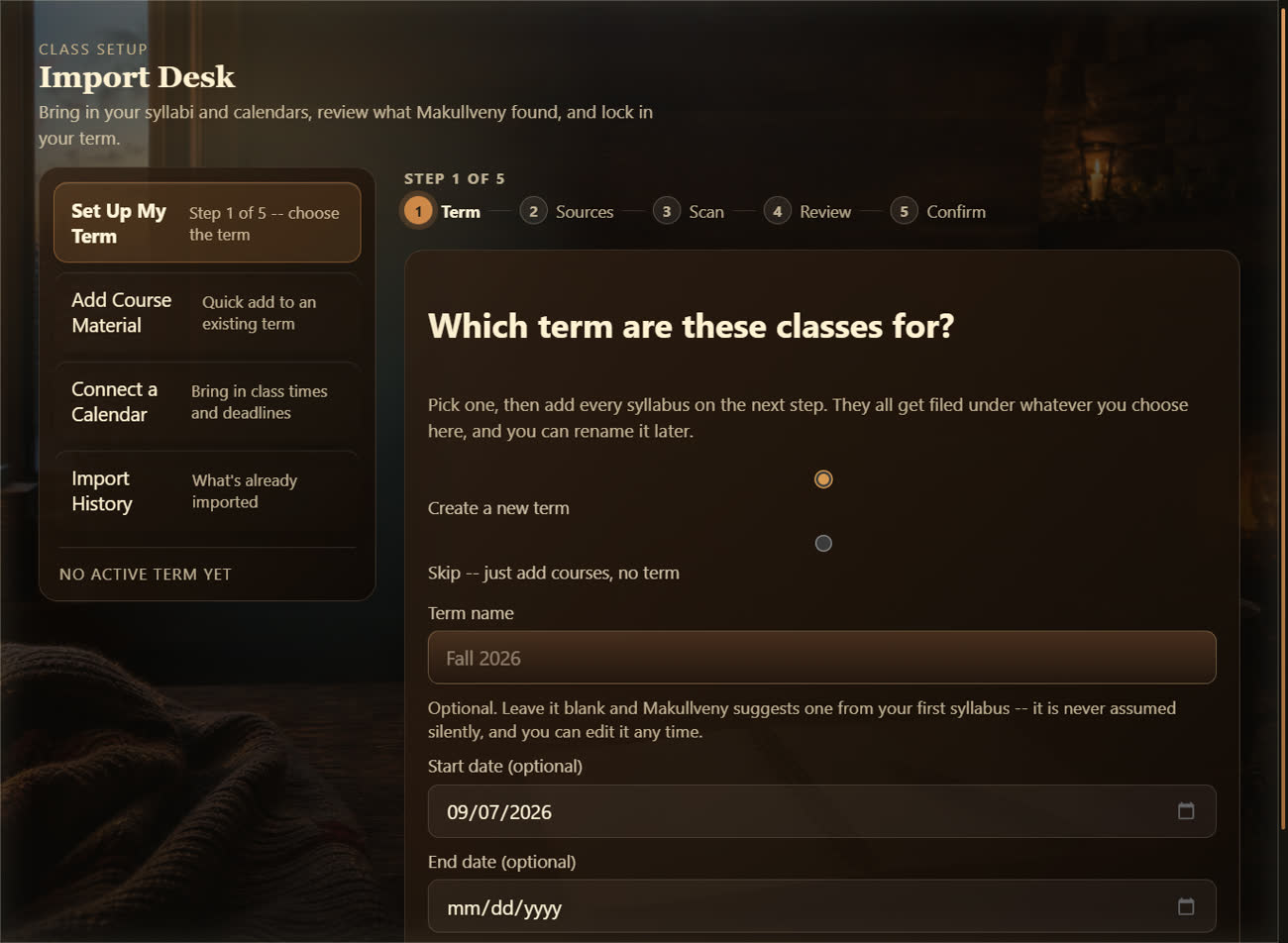
Drop a syllabus in, pick the term, tick what to keep, and your classes, dates and a starter deck arrive in five short steps.
 Makullveny
Apps & tools
Three full apps for your notes, your homework and your classes, and the small tools a study session keeps reaching for. Every picture on this page is the real app.
The apps
Not panels in a sidebar — real, complete apps with their own space: Documents for everything you write, Study Hall for everything that is due, and Classes for your courses and your week.
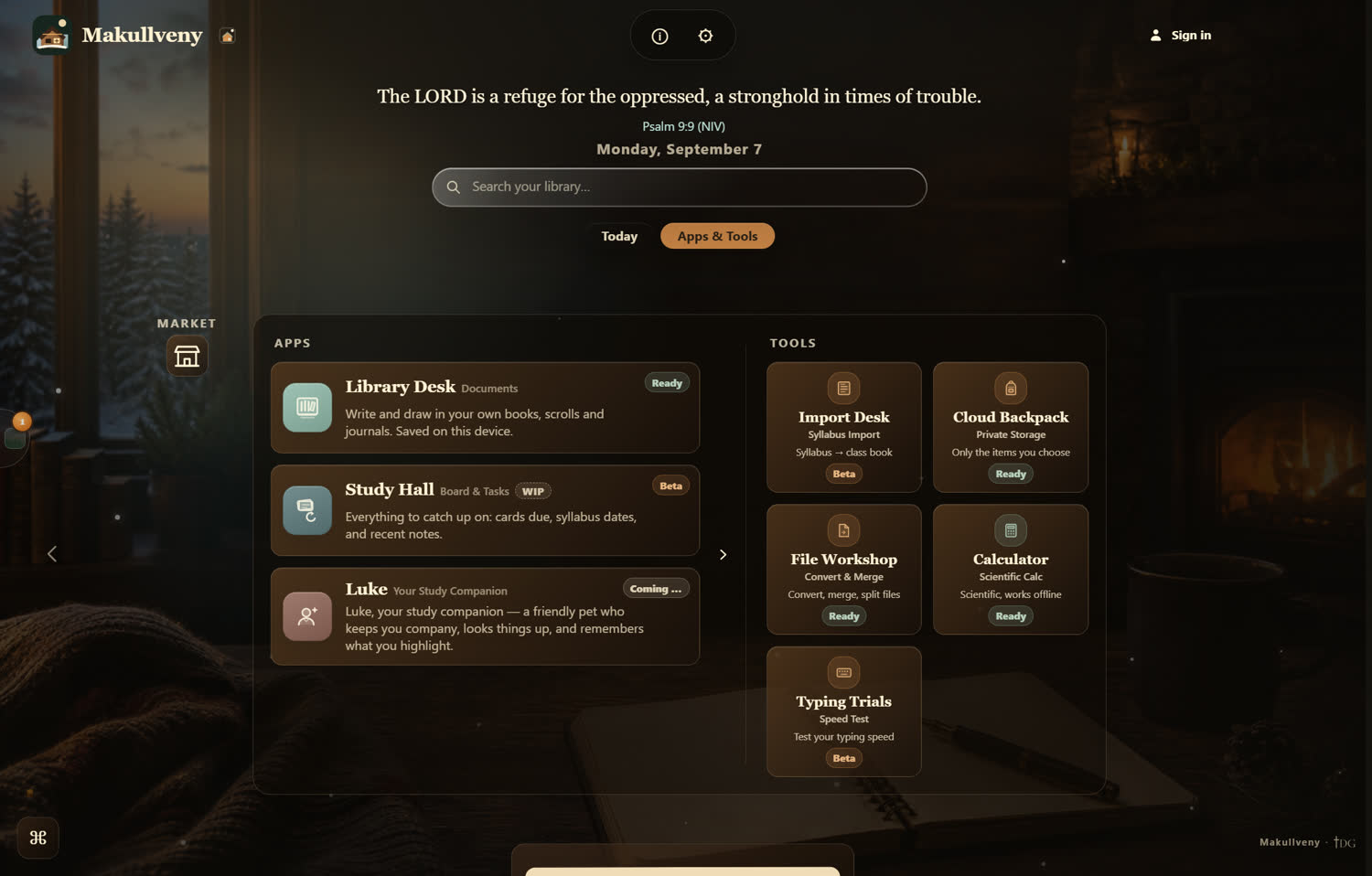
Everything the app opens, and exactly what state each one is in. Nothing on this page is promised that is not on that screen.
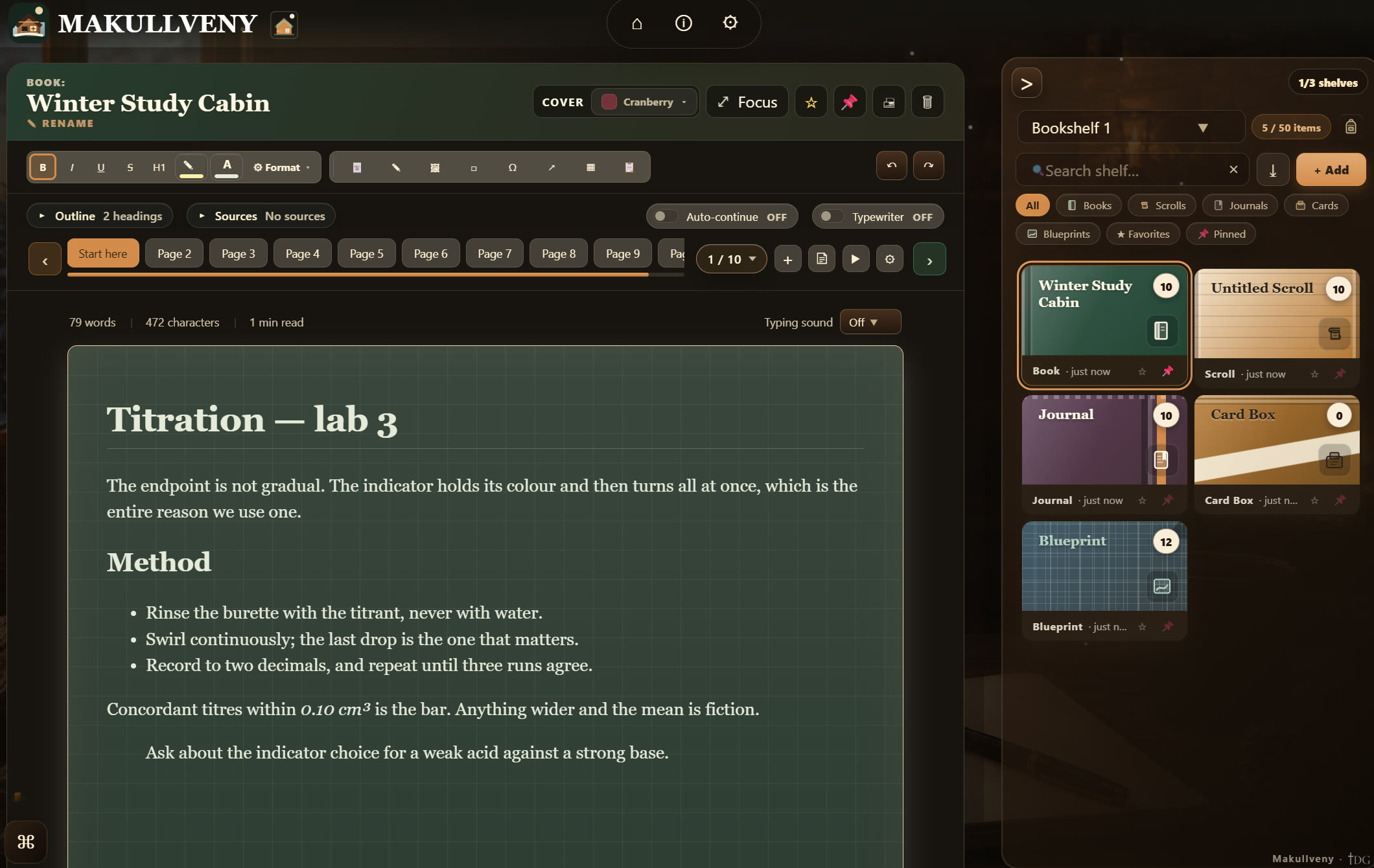
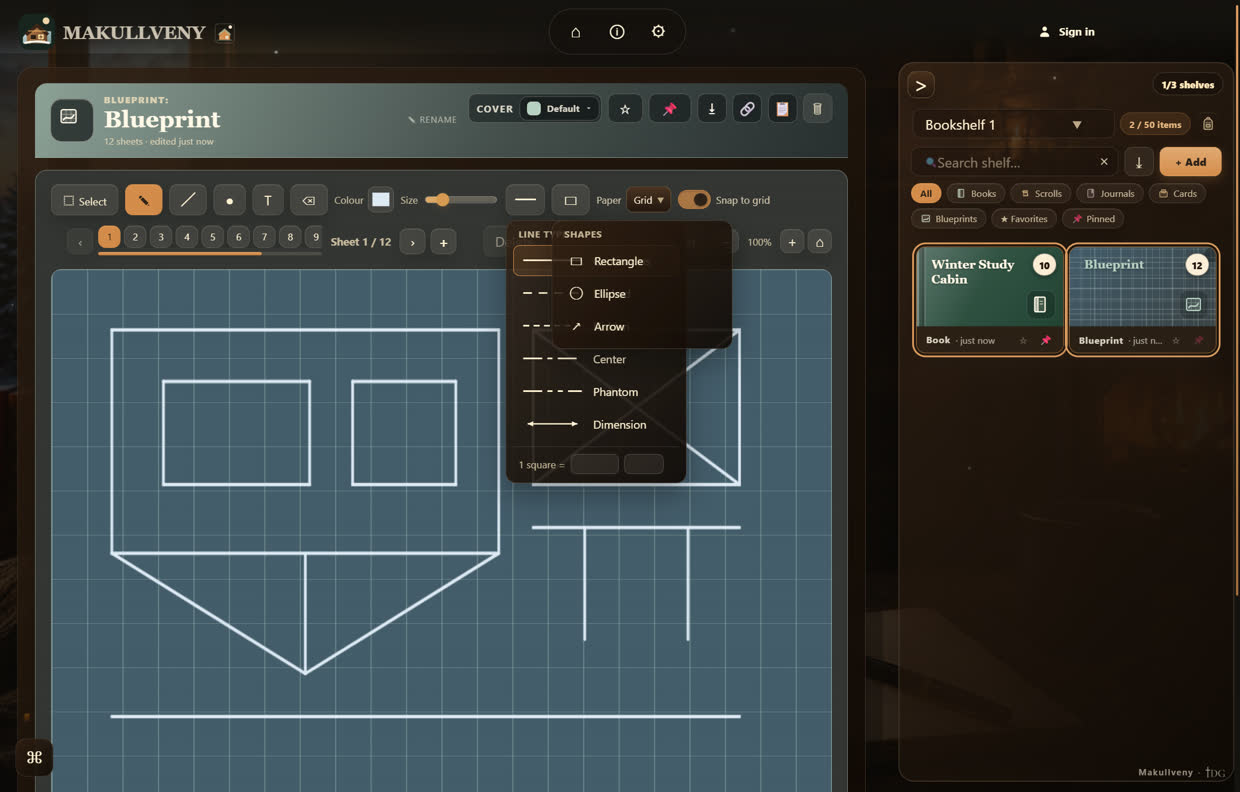
Bookshelves that hold books, scrolls, journals, card boxes and blueprints. Pages take rich text, drawings, pasted images and text boxes — and the paper always stays the focus, with the tools in the toolbar and the rail rather than crowding the page.
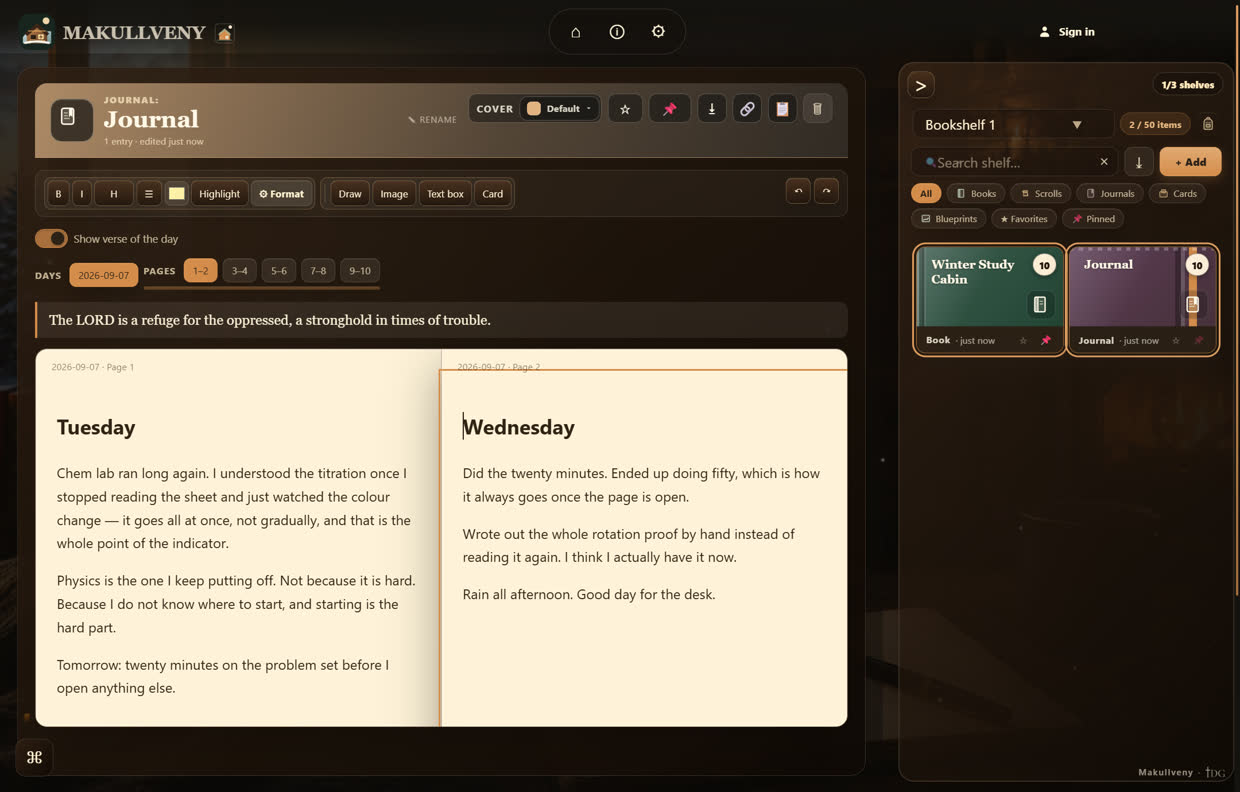
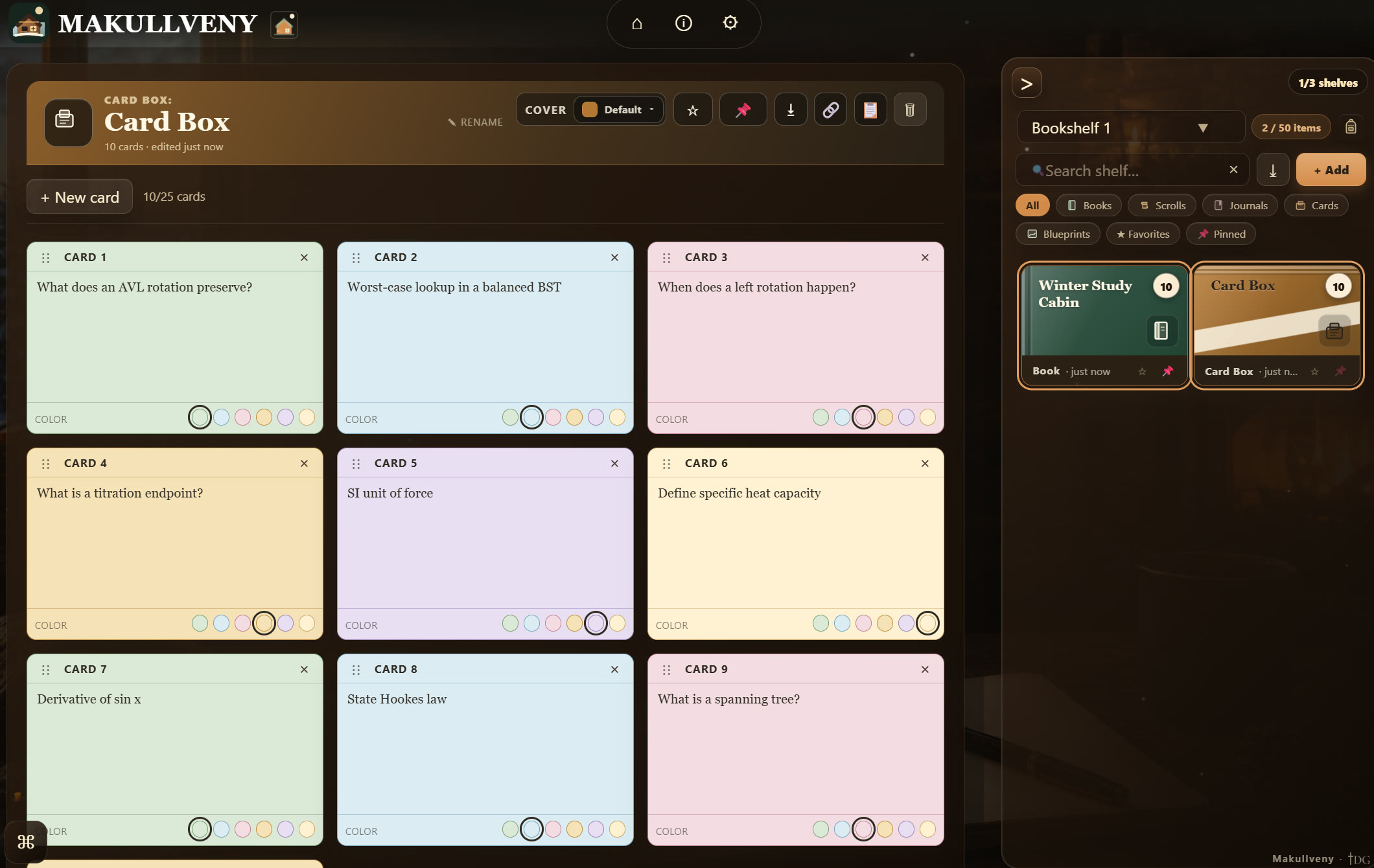
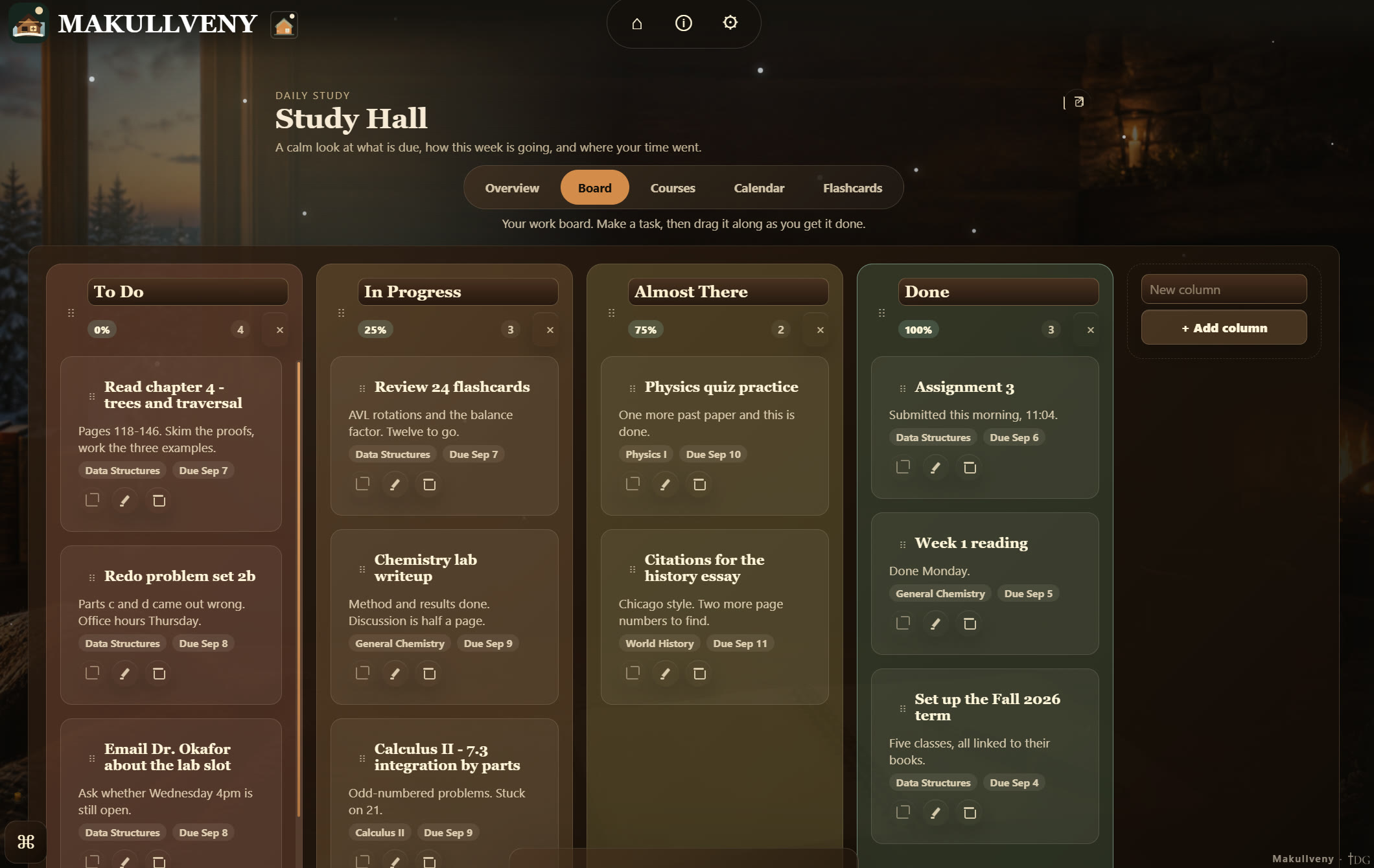
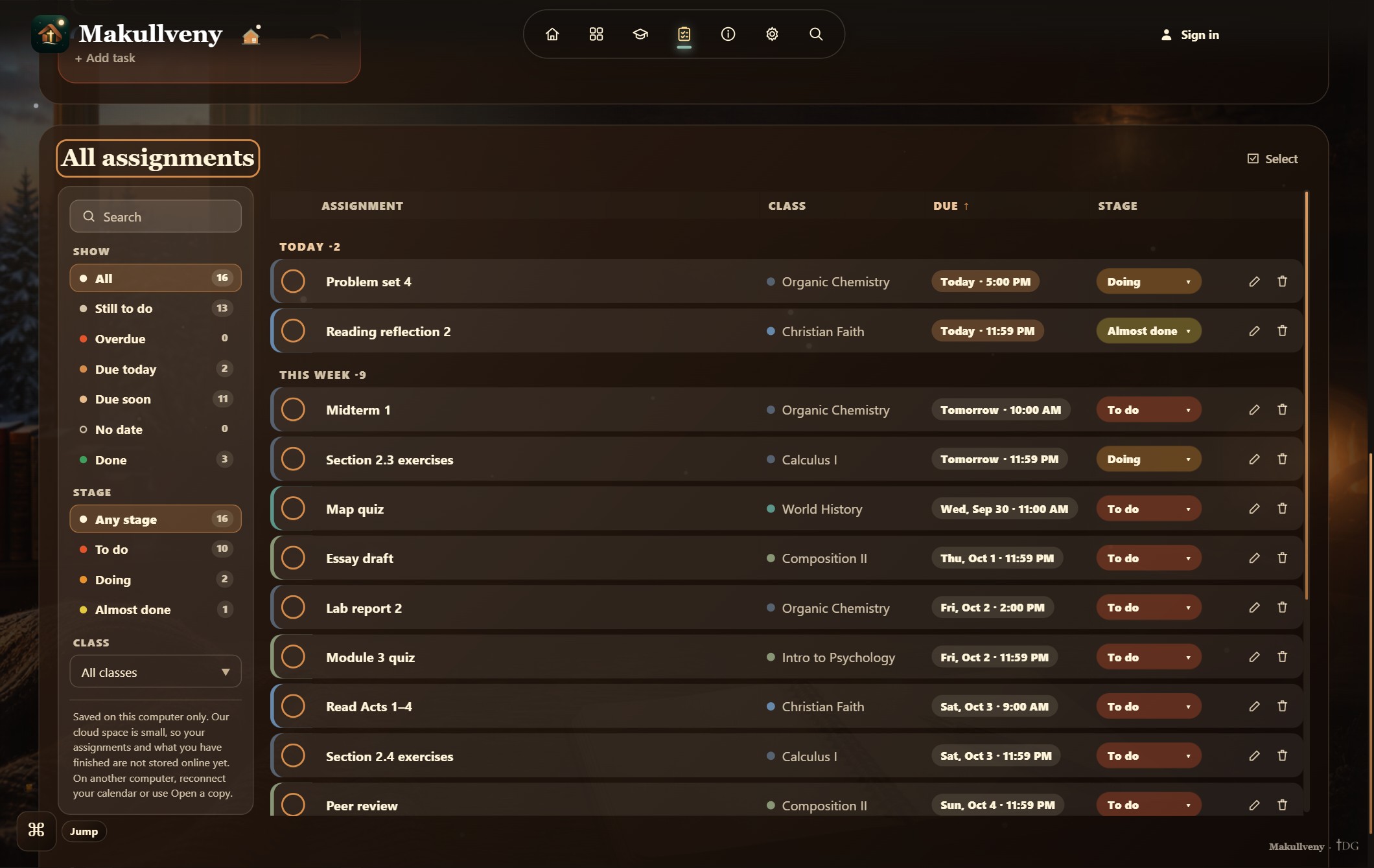
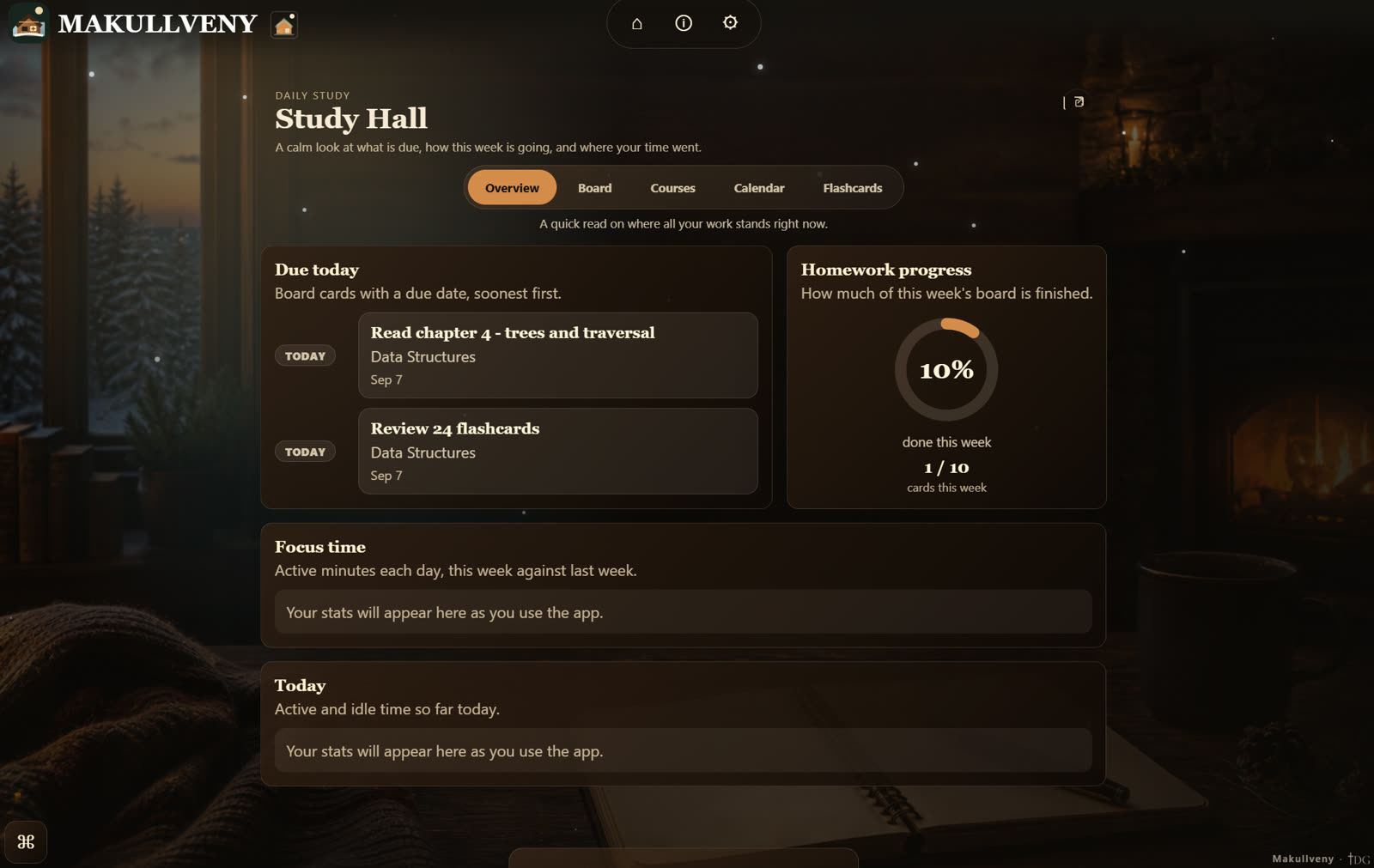
Your homework, calmly: an overview of the week, a drag-and-drop board, every assignment in one table, and your flashcards.
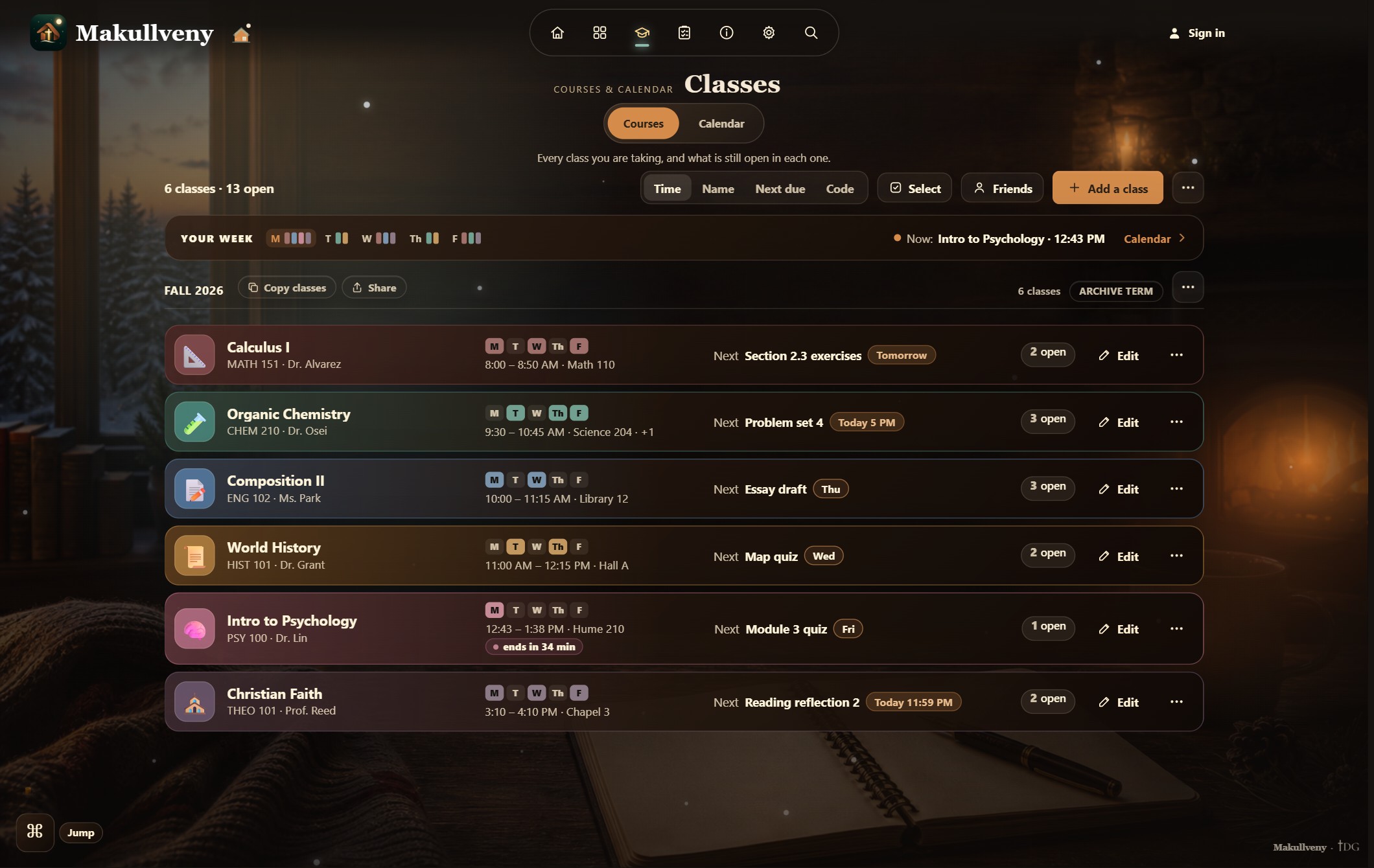
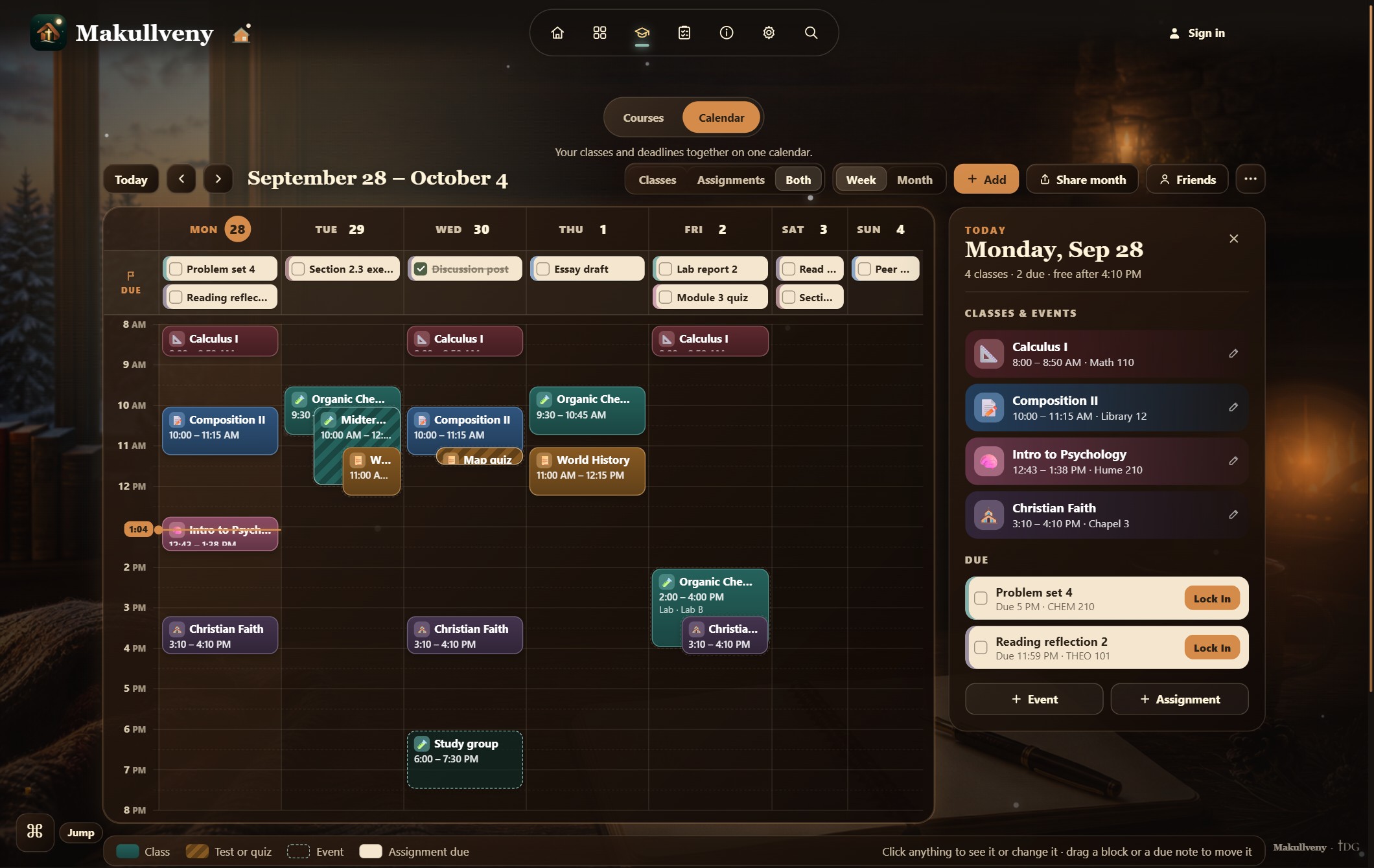
Every course of the term in one place — when it meets, where, what is due next in each — and a calendar that puts your classes and your deadlines on the same week, with today beside it. It is also where your friends’ shared weeks can sit over yours. Show your classes as a list, cards or compact rows, and add weekly study blocks so your week shows when you study, too.
The tools
Each one a press away on Apps & Tools, and every one works with no account and no connection.
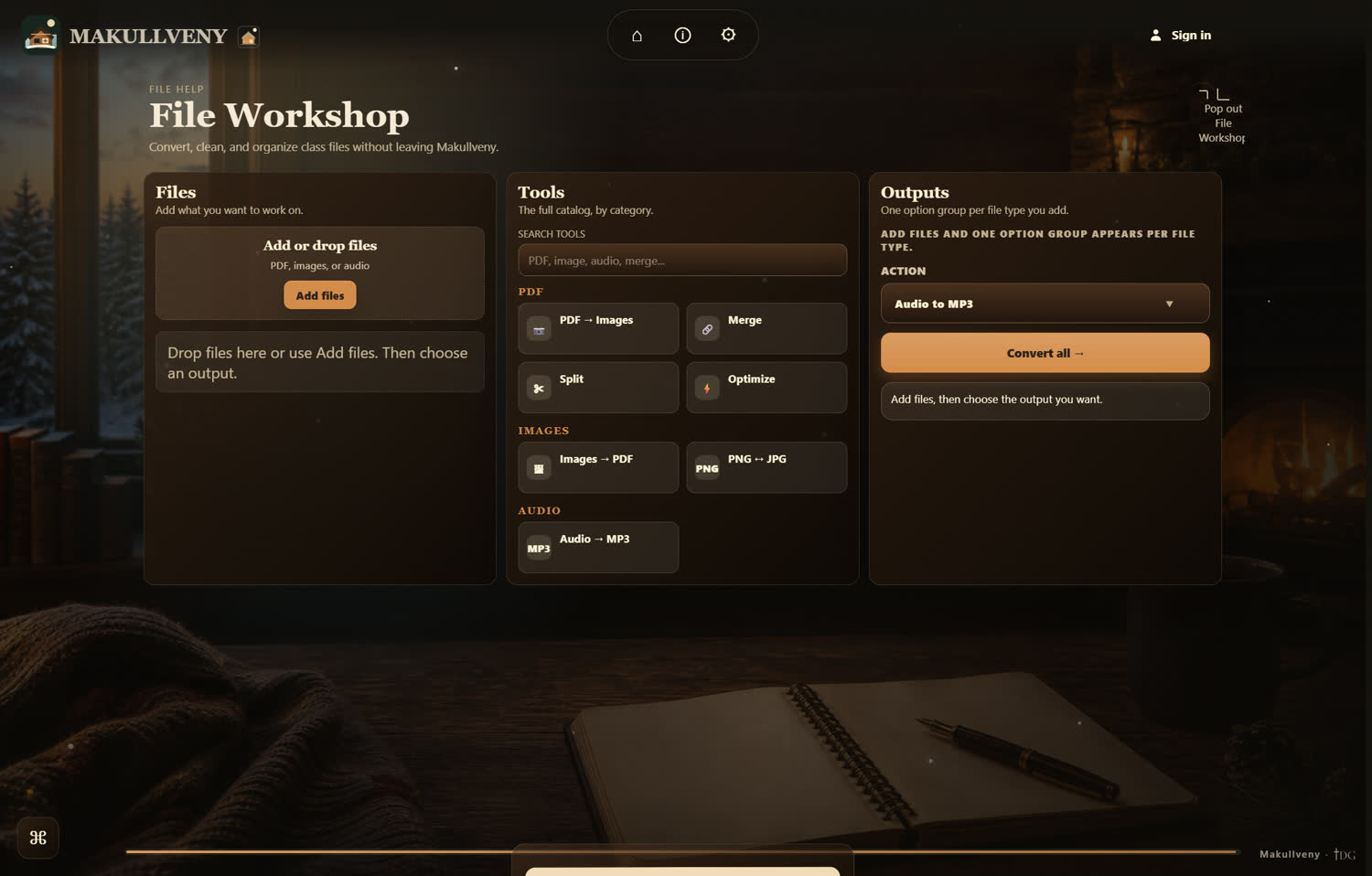
Convert, clean and organize class files without leaving Makullveny. Every conversion runs locally through a bundled FFmpeg — nothing is uploaded, and nothing needs an account.
New · a photo, into flashcards
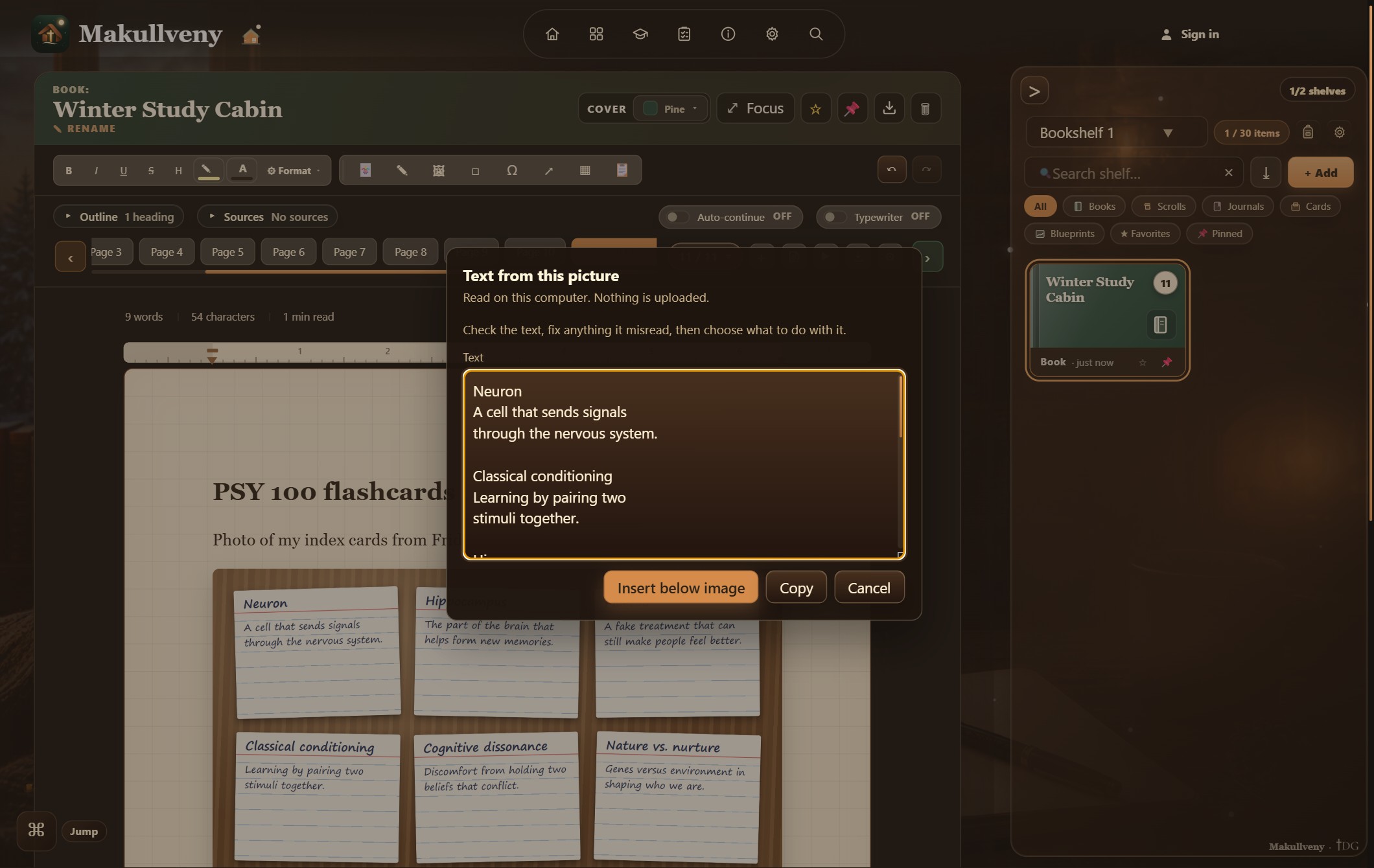
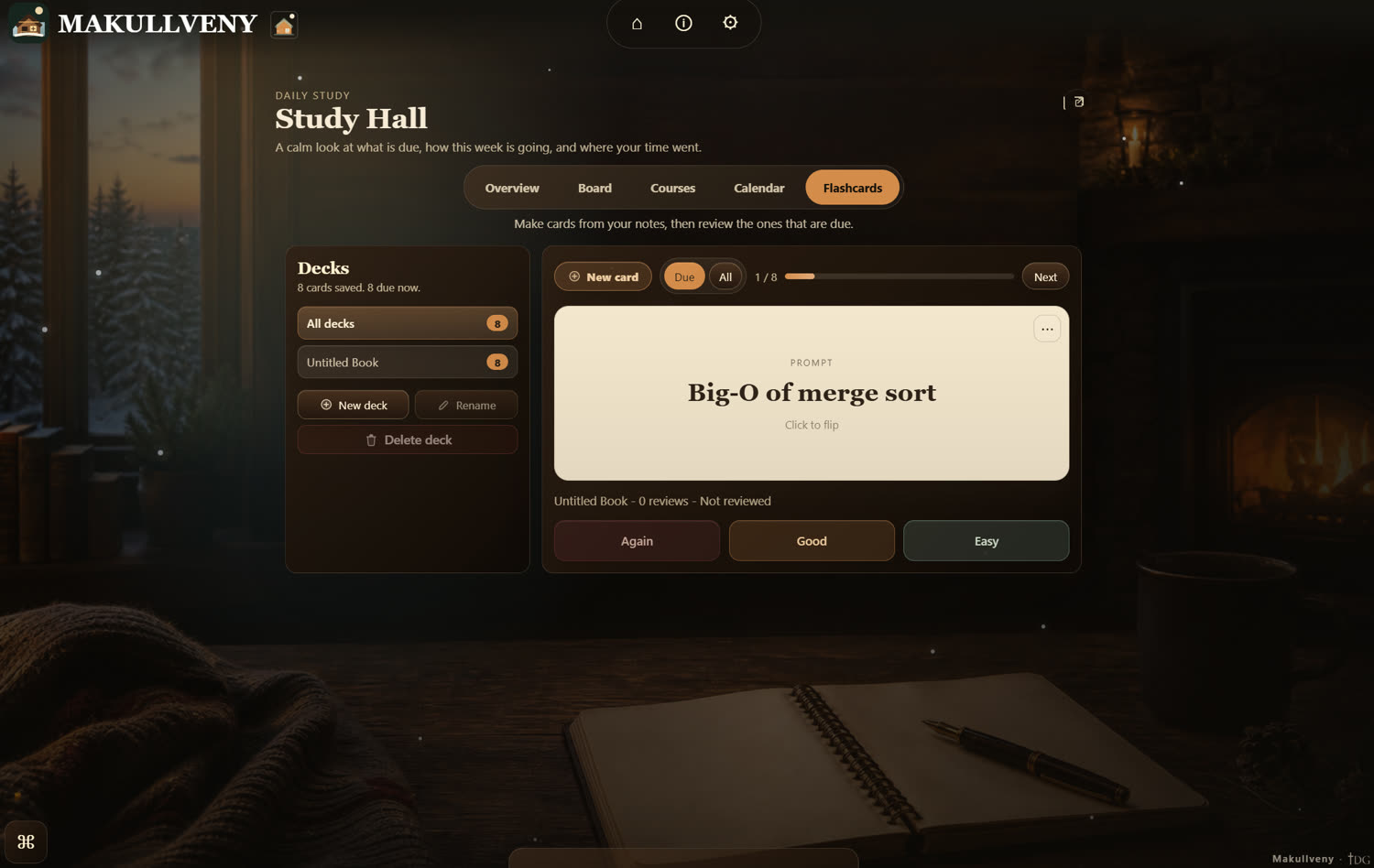
Put a photo of your handwritten cards on a Library Desk page and press Extract text. Your own computer reads it — nothing is uploaded — and you fix anything it misread. Highlight a term, press Card, and the deck is waiting in Flashcards.
Drop a syllabus in, pick the term, tick what to keep, and your classes, dates and a starter deck arrive in five short steps.
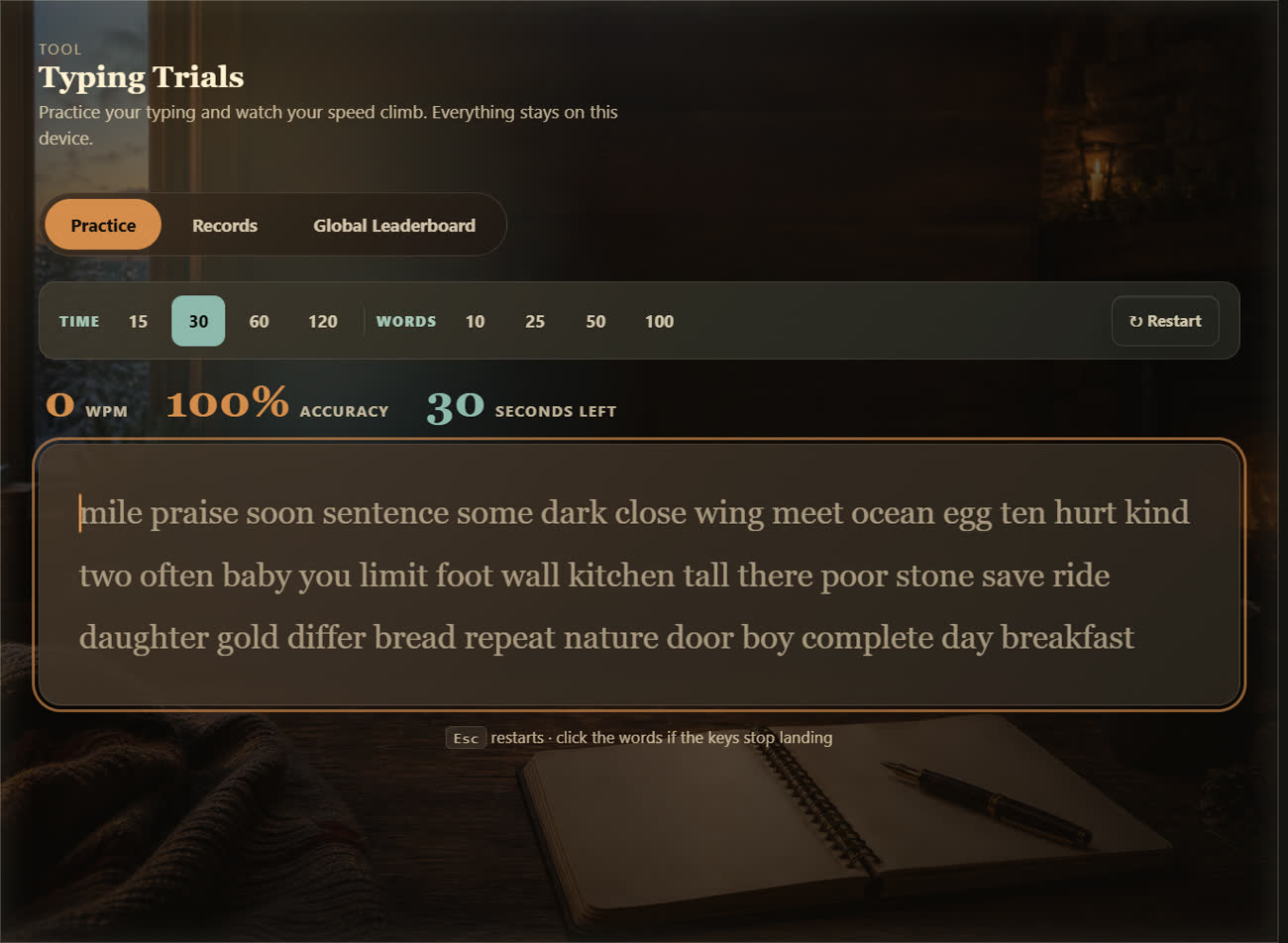
Practice your typing and watch the speed climb. Timed or word-count runs, live WPM and accuracy, records kept on this device.
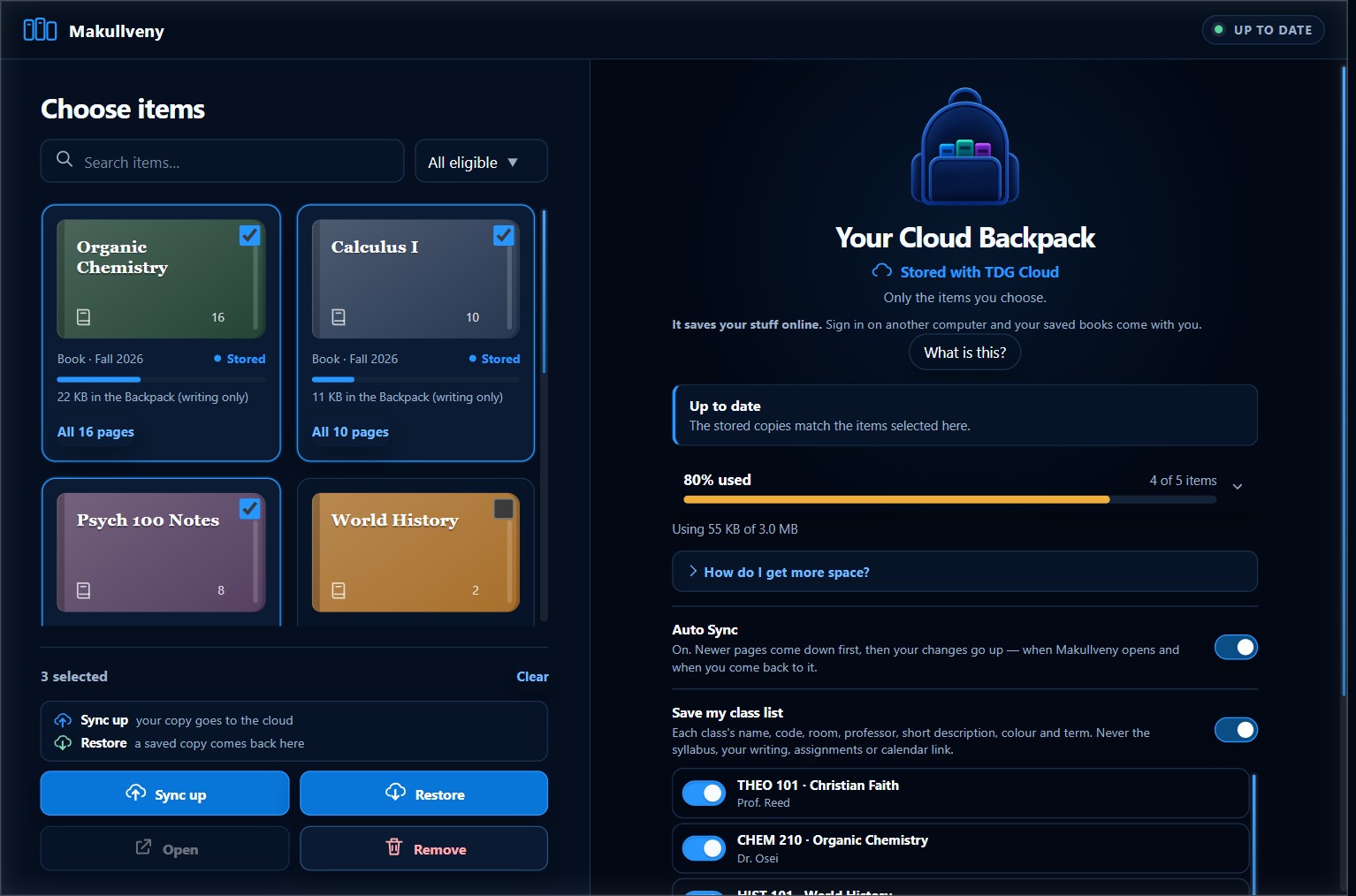
Pick the books you want backed up, and they come with you: sign in on another computer and they come down by themselves. Your class list and your Selah island can come too. Only your writing goes up, and it is off until you switch it on.
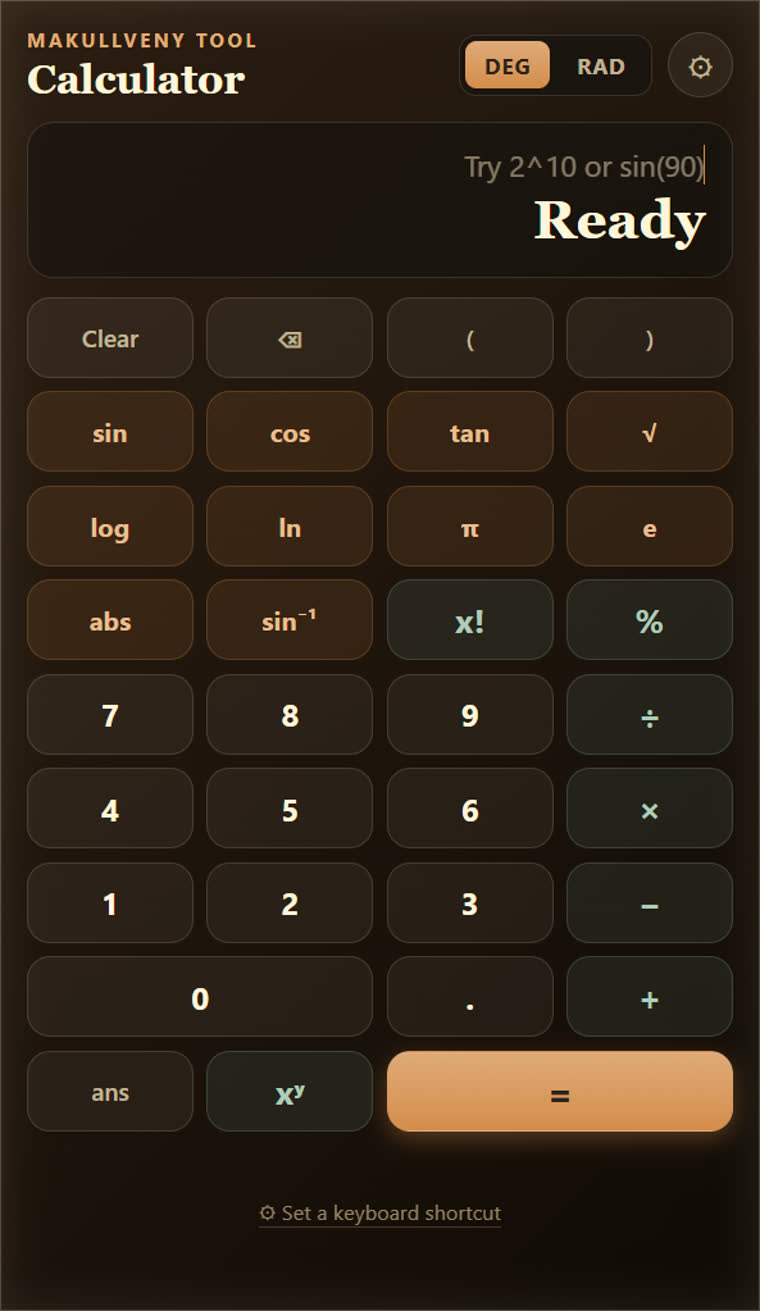
A scientific calculator that works with no connection at all — trig, logs, factorials, powers, and a keyboard shortcut of your choosing.
Sound
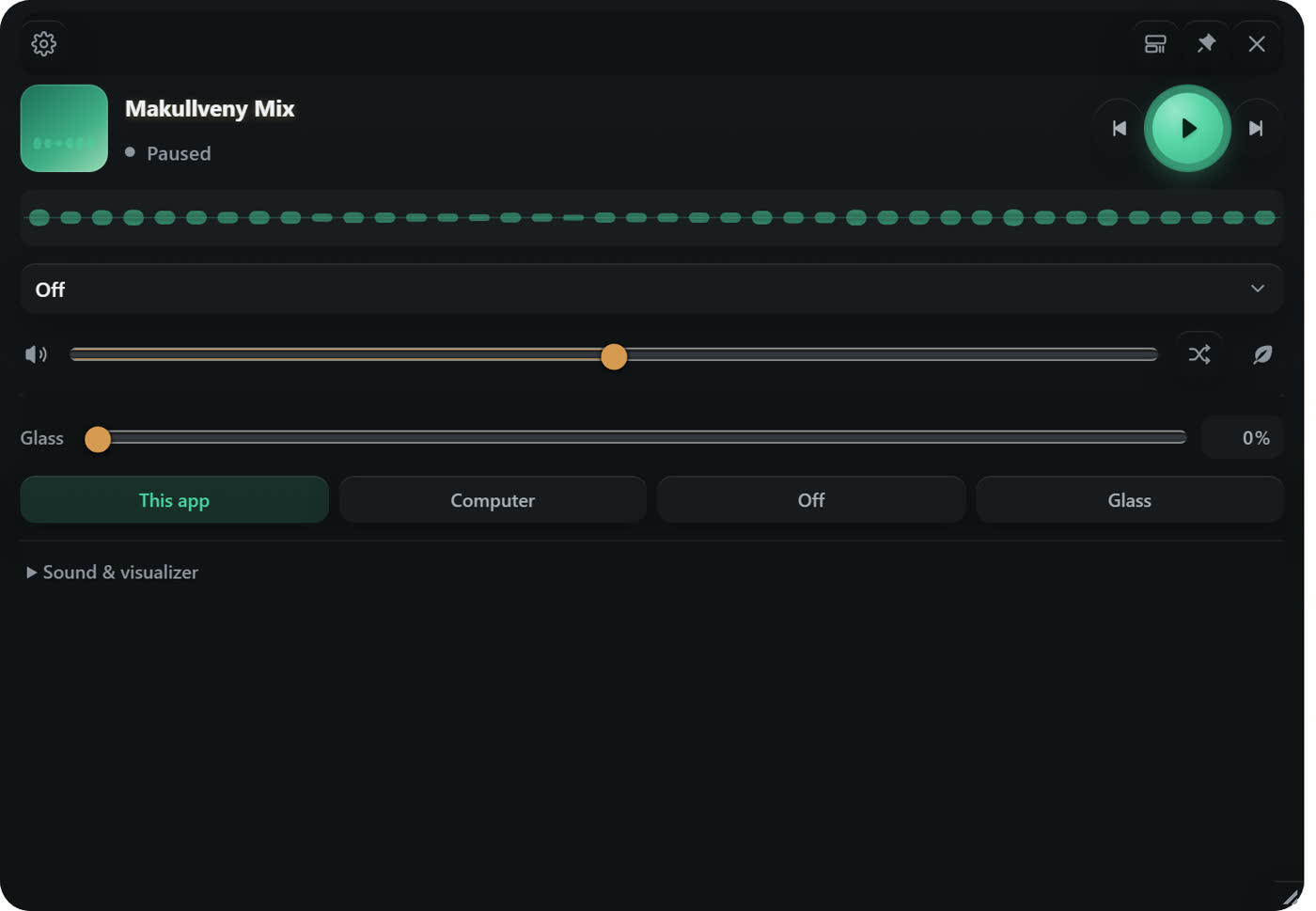
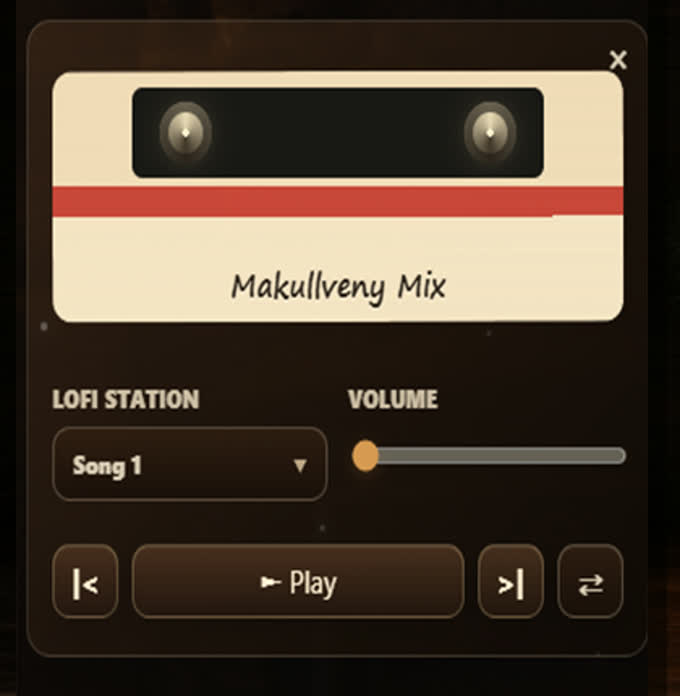
The radio pops out into its own little window with a real visualizer, so the music stays where you can reach it. Ambience layers underneath. And if movement is the thing that distracts you, a reduced-motion mode turns all of it off.
Free, for Windows, macOS and Linux
No account needed to use any of it. Make one when you want friends and your Backpack on another computer.